
Turn Any Elementor Container Into a Carousel.
Elementor Container Carousel Pro
Build your slides with the Elementor containers you already know.
Add headings, images, buttons, icons, forms, videos or even nested containers — then turn the parent container into a responsive carousel with one switch.
No Elementor Pro required. No fixed slide templates. No rebuilding your content.
Turn ordinary Elementor containers into flexible, responsive carousels.
You already know how to build with Elementor.
Container Carousel Pro simply gives those same containers another superpower.
Create a parent container, add your child containers, design each one normally in Elementor and enable the carousel.
That’s it.
No separate slider builder.
No complicated templates.
No shortcode-based editing workflow.
From This:
Parent Container → Child → Child → Child
To This:
← [ Slide 1 ] [ Slide 2 ] [ Slide 3 ] →
What Elementor Container Carousel Pro Can Do
- TURN NORMAL CONTAINERS INTO SLIDES
Build Carousels The Elementor Way
Your slides remain regular Elementor containers.
That means you can place almost anything inside them:
- Headings
- Images
- Buttons
- Icons
- Text
- Videos
- Forms
- Testimonials
- Pricing cards
- WooCommerce elements
- Nested containers
- Other Elementor widgets
You are not restricted to a predefined “carousel card”.
You design the slide. The plugin handles the movement.
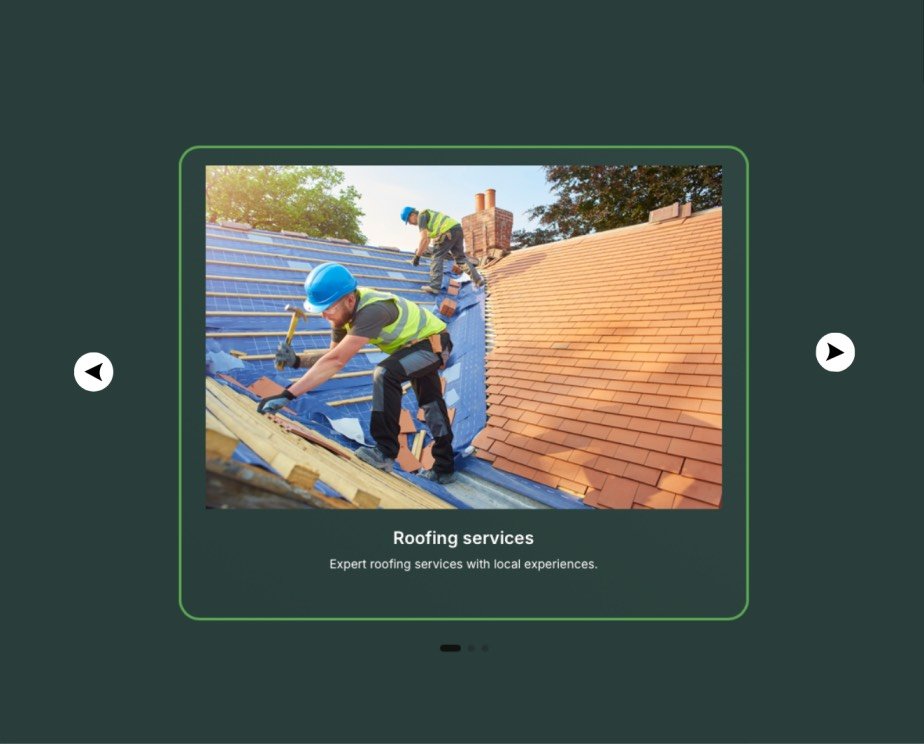
- ONE SWITCH. THAT'S IT.
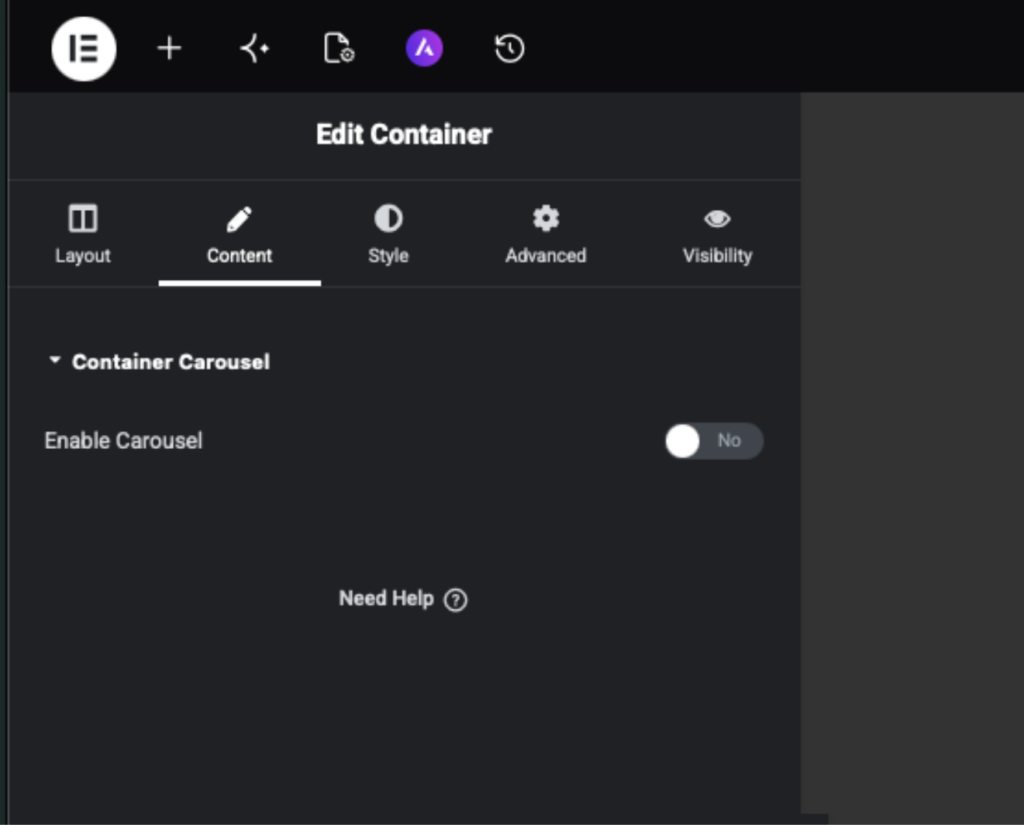
Enable The Carousel From The Parent Container
Select your existing parent container and open:
Layout → Container Carousel
Turn on:
Enable Carousel
Every direct child container automatically becomes a slide.
No shortcode IDs.
No copying content into another widget.
No recreating your design.
RESPONSIVE CAROUSELS
Control Every Screen Size
Choose exactly how your carousel behaves on:
Desktop • Tablet • Mobile
Set:
- Slides visible
- Slides to move
- Gap between slides
- Device-specific carousel mode
- Navigation behaviour
- Peek amount
- Side spacing
Want three cards on desktop and one on mobile?
Easy.
Want a normal grid on desktop but a swipeable carousel on mobile?
You can do that too.
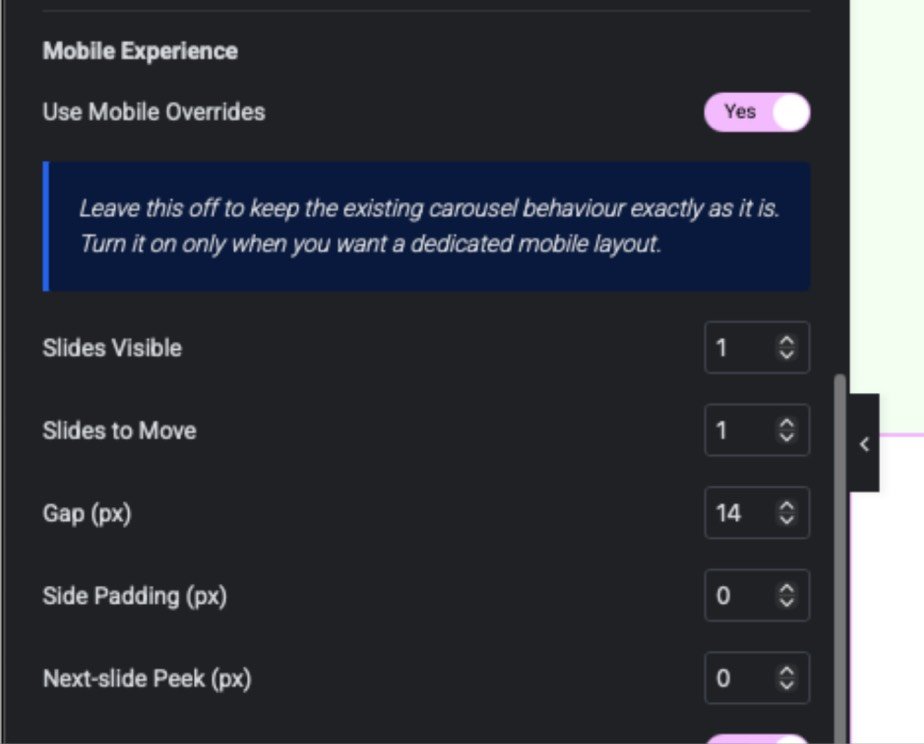
BUILT FOR MOBILE
SWIPE, DRAG & NAVIGATE
CAROUSEL BRANDING
ACCESSIBILITY BUILT IN
BUILD MODE & PREVIEW MODE
NO CONTENT LOCK-IN
CAROUSEL ON MOBILE. NORMAL LAYOUT ON DESKTOP.
Included Features
Carousel Building
- Convert parent containers into carousels
- Native child-container slides
- Nested Elementor content
- Multiple carousels per page
- Nested-carousel protection
- Build/Preview editor modes
- No content lock-in
Responsive
- Desktop controls
- Tablet controls
- Mobile controls
- Slides visible
- Slides per move
- Responsive gaps
- Device-specific layouts
- Fractional slide widths
- Mobile peek
- Side padding
- Elementor breakpoint support
Navigation
- Previous/Next arrows
- Pagination dots
- Active pills
- Progress lines
- Swipe navigation
- Mouse dragging
- Keyboard navigation
- Rewind
- RTL support
Branding
- Custom arrow icons
- Arrow shapes
- Button sizing
- Navigation positioning
- Custom colours
- Hover colours
- Borders
- Shadows
- Dot sizing
- Dot alignment
- Pagination positioning
Behaviour
- Autoplay
- Pause on hover
- Pause when off-screen
- Pause when browser is inactive
- Equal-height slides
- Reduced-motion support
- Swipe snapping
- Free-scroll option
Performance & Privacy
- Lightweight frontend engine
- No external JavaScript library
- No analytics
- No telemetry
- No remote API requests
- No content database
- No customer tracking
Free Lifetime Access
Start Capturing Leads Today
Install LeadPop Lite, customize your popup, and start collecting subscribers from your WordPress website.
Elementor Container Carousel Pro
₦51,800.00 Original price was: ₦51,800.00.₦0.00Current price is: ₦0.00.
WordPress plugin ZIP file. Upload, activate, and configure from your dashboard.
How to Install
After purchase, download the ZIP file and follow the simple installation steps.
1. Install The Plugin
In WordPress go to:
Plugins → Add New → Upload Plugin
Upload the Container Carousel Pro ZIP file.
Click:
Install Now
Then:
Activate Plugin
2. Create Your Slides
Open Elementor.
Create one parent container.
Inside it, add the containers you want to use as slides.
Example:
Parent Container
├── Feature One
├── Feature Two
├── Feature Three
└── Feature Four
Design each child container normally.
3. Enable The Carousel
Select the parent container.
Open:
Layout → Container Carousel
Switch:
Enable Carousel → ON
Your direct child containers now become slides.
4. Make It Responsive
Choose how many slides should appear on:
Desktop
Tablet
Mobile
Then adjust spacing, navigation and mobile behaviour.
5. Style The Navigation
Open:
Style → Carousel Branding
Match the arrows and pagination to your website.
Publish your page.
Done.
Frequently Asked Questions
No. Container Carousel Pro is designed to work with Elementor Free.
The plugin adds carousel controls directly to a normal Elementor parent container. Its direct child containers become the slides.
Generally, yes. Your slides are normal Elementor containers, so you can continue adding Elementor widgets inside them.
Yes. Every slide is an independent Elementor container and can have its own background, typography, spacing, border, content and widgets.
Yes.
Mobile touch swiping is supported and can be controlled using the dedicated mobile settings.
Yes. The subscriber email uses a visual and HTML editor, so you can edit normally or work directly with code.
Yes.
Mobile navigation settings can override the general carousel settings.
Yes.
You can keep the native Elementor layout on desktop and activate carousel behaviour only on tablet and/or mobile.
Yes.
The Carousel Branding panel includes controls for navigation icons, shapes, colours, sizes, positioning, borders, hover states, dots, pills and progress-style pagination.
RTL carousel behaviour is supported.
Yes.
Each enabled parent container operates as its own carousel.
Designed by Chris A.
LeadPop Lite is designed by Chris and released through Chris Resources.
Container Carousel Pro was built by Chrisresources to solve a simple Elementor problem:
Give users the freedom to make their existing containers slide without paying for Elementor Pro or rebuilding their designs inside rigid carousel templates.
We build practical WordPress tools that solve specific problems without turning your website into a collection of unnecessary systems.
Chrisresources
Refund Note
Please review the plugin features and compatibility information before purchasing.
If this plugin is sold as a paid download, place your actual refund conditions here based on the policy you want to offer.
Disclaimer
Elementor Container Carousel Pro is an independent third-party plugin developed by Chrisresources.
It is not developed, endorsed, sponsored or distributed by Elementor Ltd.
Elementor is a trademark of its respective owner. References to Elementor describe compatibility with the Elementor website builder.
WordPress installations, themes, third-party Elementor addons and hosting environments can vary. Always keep a current website backup and test significant plugin changes appropriately.
Please test on your website before running a live campaign. Email delivery works best with SMTP and proper domain authentication.
Give Your Elementor Containers Somewhere To Go.
Build them normally.
Turn on the carousel.
Make them swipe.